Autumn Phone Wallpaper & Halloween Wallpaper Cute
You can totally change the entire vibe of your daily screen time by swapping out your standard lock screen for something warm and seasonal. Giving your device a fresh seasonal makeover makes checking notifications feel a little more fun and cozy.
The secret to a great phone background wallpaper is keeping the visual noise low so you can still read your app icons clearly. Mixing soft neutral tones with playful seasonal doodles keeps your display looking balanced instead of cluttered.
A lot of people make the mistake of picking busy images that make app text hard to read. Choosing a simple repeating pattern solves this problem by spreading the cute details out evenly across the screen.
Looking at different layout options helps you figure out whether you prefer tiny repeating icons or one big central graphic. Comparing these styles makes it super easy to decide what fits your lock screen best.
Let us dive into the first design idea and see how a touch of autumn art can completely update your phone background.
#1 Cozy Doodle Patterns for Fall Phone Wallpapers
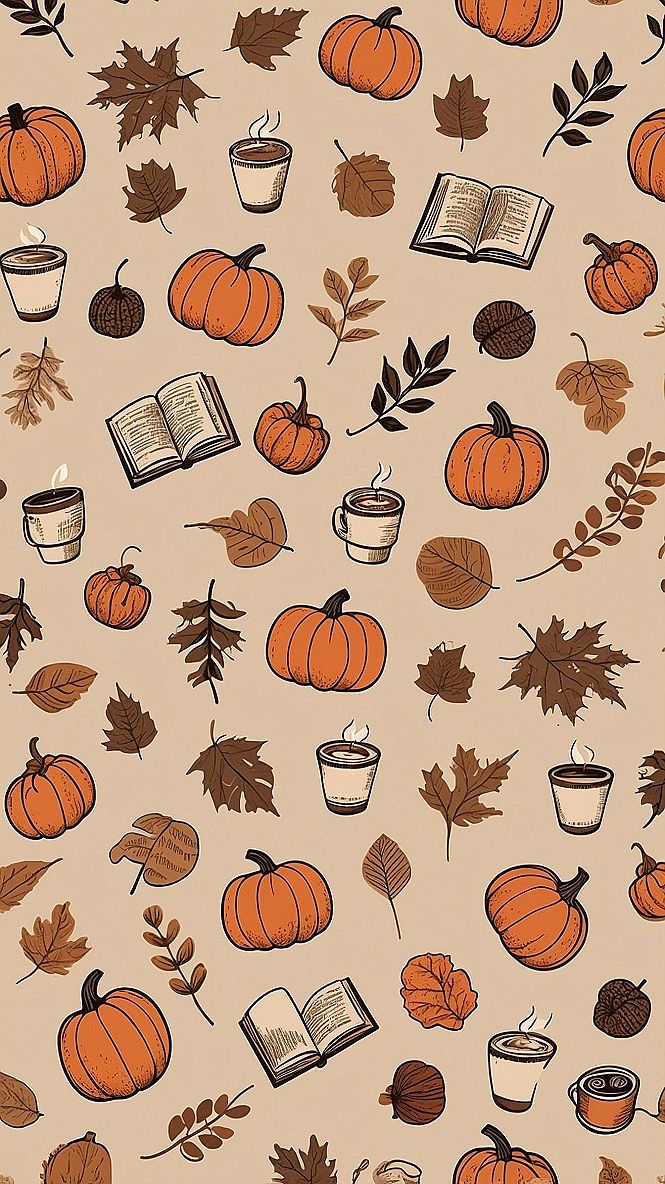
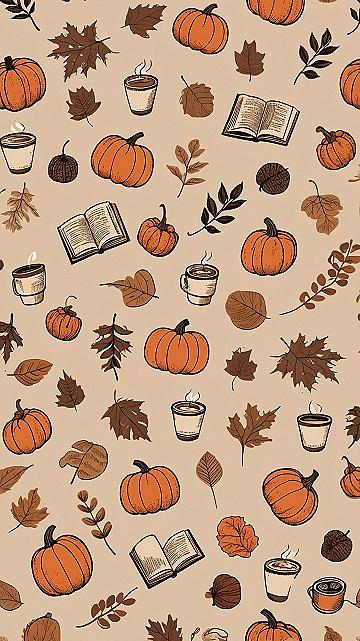
A cozy doodle pattern means filling your phone screen with lots of small, hand-drawn autumn icons like pumpkins, coffee cups, and little books. This style uses simple line art and warm orange and brown tones to create a fun, repetitive layout that feels very friendly and relaxed every time you check the time.
When you set a busy pattern as your home screen, keep your actual app icons organized in folders. This prevents the screen from looking too cluttered and lets the cute background design show through clearly. You can also match your phone case to the main orange color of the wallpaper for a fun look.
#2 Minimalist Ghost Grids for a Clean Autumn Phone Aesthetic
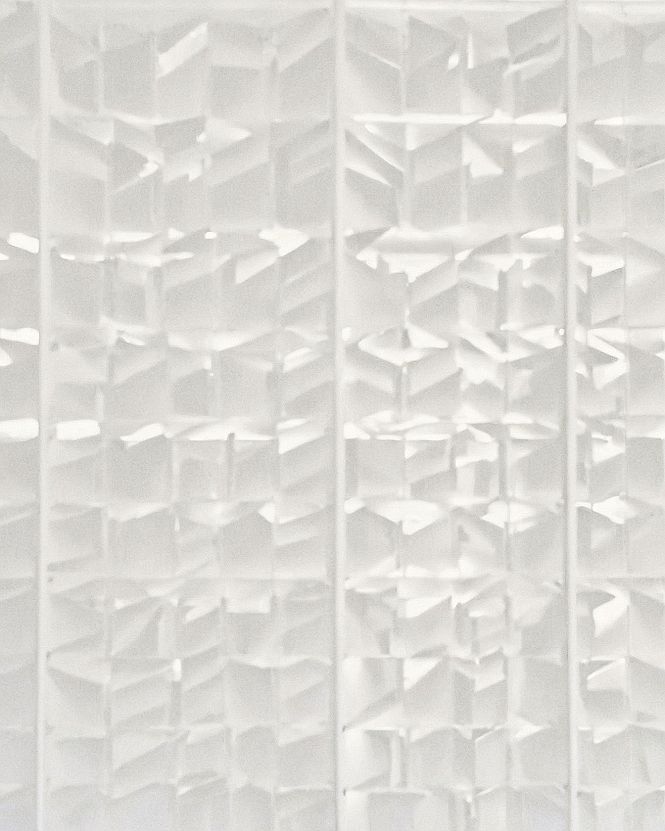
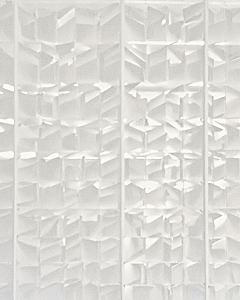
Minimalist ghost grids work so well for autumn phone screens because they offer a subtle nod to Halloween without cluttering your display. By arranging tiny, simple ghost outlines in a neat repeating pattern, you get a clean background that keeps app icons readable and easy to find.
This design suits anyone who prefers a tidy, organized home screen over loud seasonal graphics. Using a soft white grid helps reduce visual noise on your lock screen. You can expect a calm, balanced look that still brings a touch of autumn fun to your phone every time you check the time.
#3 Choosing Playful Fruit Prints for Seasonal Phone Backgrounds
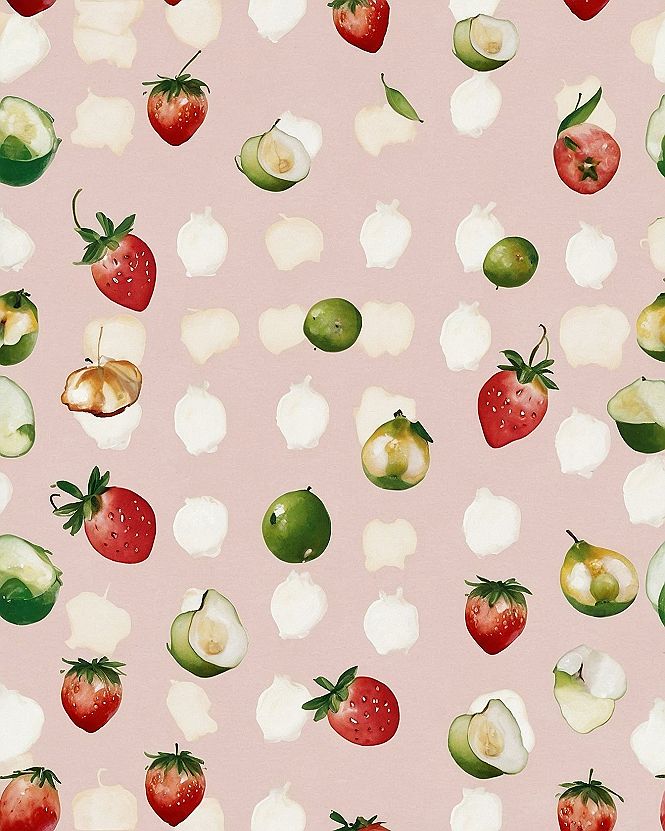
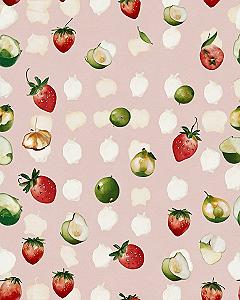
When picking a fresh fruit print for your mobile screen, focus on designs that mix your favorite harvest items with soft pastel backgrounds. This balance keeps your display bright and cheerful without making your app icons hard to read.
You can easily match your wallpaper to your personal taste by swapping out busier patterns for minimalist fruit layouts if you prefer a cleaner look. Try testing different crop settings on your phone to make sure the main illustrations fit neatly between your clock and app rows.
Which style is calling your name?
#4 Styling Blue Floral Wallpaper for Autumn Phone Screens
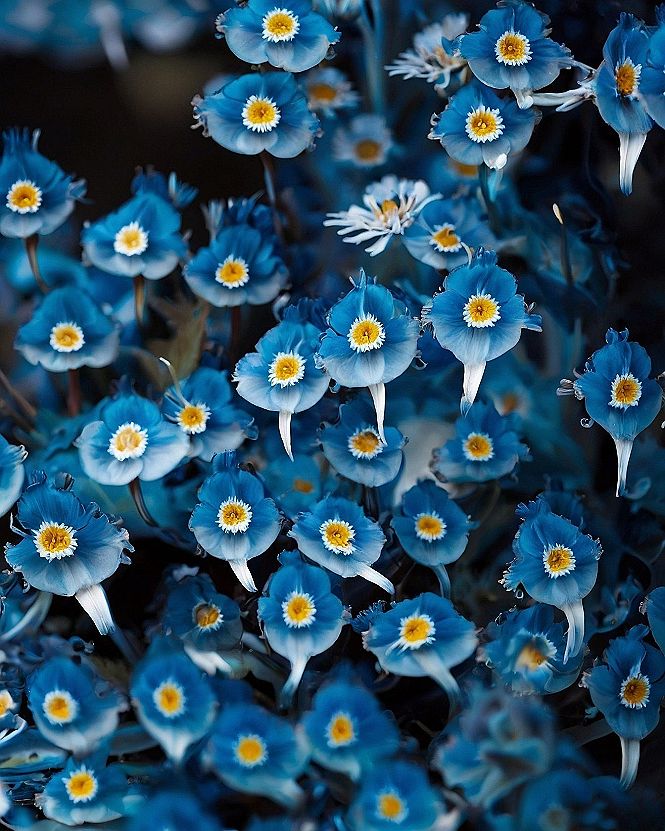
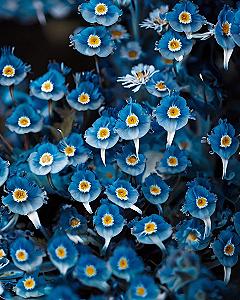
When setting up a cool-toned blue floral wallpaper on your phone for autumn, pay attention to icon placement. Lighter text and simple widget designs stand out much better against busy petal clusters. Taking a moment to organize your home screen layout ensures you can actually see app labels without straining your eyes.
To keep your screen feeling fresh as the season shifts, remember to regularly wipe down your phone surface with a microfiber cloth. Smudges can blur the fine details of small flower patterns. Also, check your phone brightness settings so the deep blue hues look sharp and balanced day or night.
#5 Vintage Book Spine Wallpapers for a Cozy Autumn Aesthetic
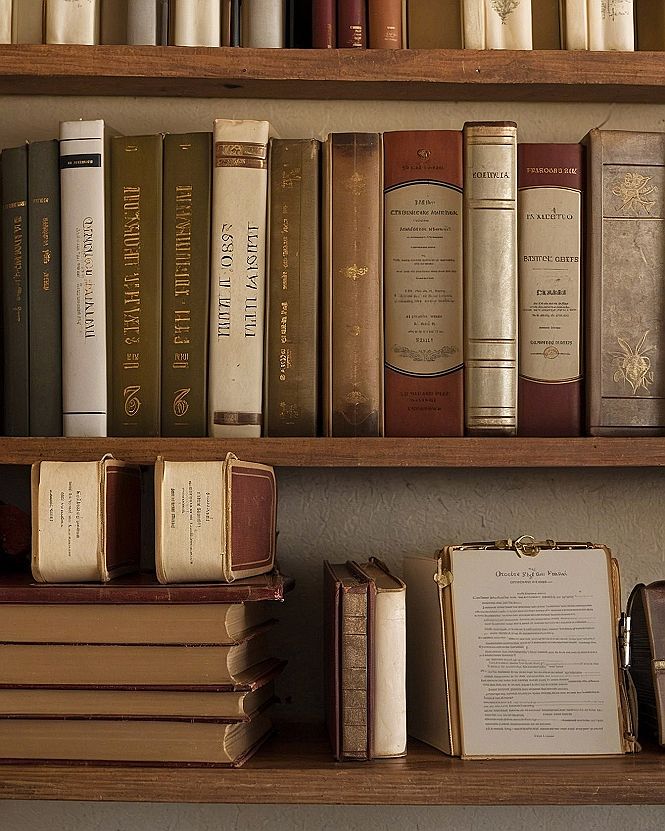
If you want a smart and grounded look for your phone this season, try setting a photo of old book spines as your main background. It brings a quiet, studious vibe that feels right at home during chilly autumn days. The warm tones and neat rows add plenty of visual interest without making your app icons hard to find.
You can easily snap a picture of your own bookshelf or search online for a public domain library image. If you prefer a simpler screen, try cropping in close on just two or three books so the texture stands out clearly. It is a quick way to give your device a thoughtful seasonal update.
What's Your Style Personality?
Tap the look that speaks to you most:
Leave a Comment