Best Scenery Wallpaper & Flower Wallpaper For Phone
When you want to refresh your phone’s look for everyday use, changing your background is a quick way to do it. A pretty nature scene brings a calm feeling to your screen every single time you check the time.
The main benefit of using a natural motif is that it keeps things bright and simple without feeling cluttered. It provides a clean backdrop so your app icons remain easy to read at a glance.
Choosing a lighter color palette instead of darker tones completely changes the final result on your display. Soft pastels and warm light tend to make smaller screens feel much more open and inviting.
This kind of design works well for different needs and personal preferences, whether you prefer minimalist setups or busier arrangements. It adapts nicely to both lock screens and home screens depending on your style.
A good option to start with is a classic floral arrangement that captures soft daylight and natural textures. Here is a look at a few lovely ideas to try on your device.
#1 Using Hanging Wisteria Blooms as Phone Wallpaper
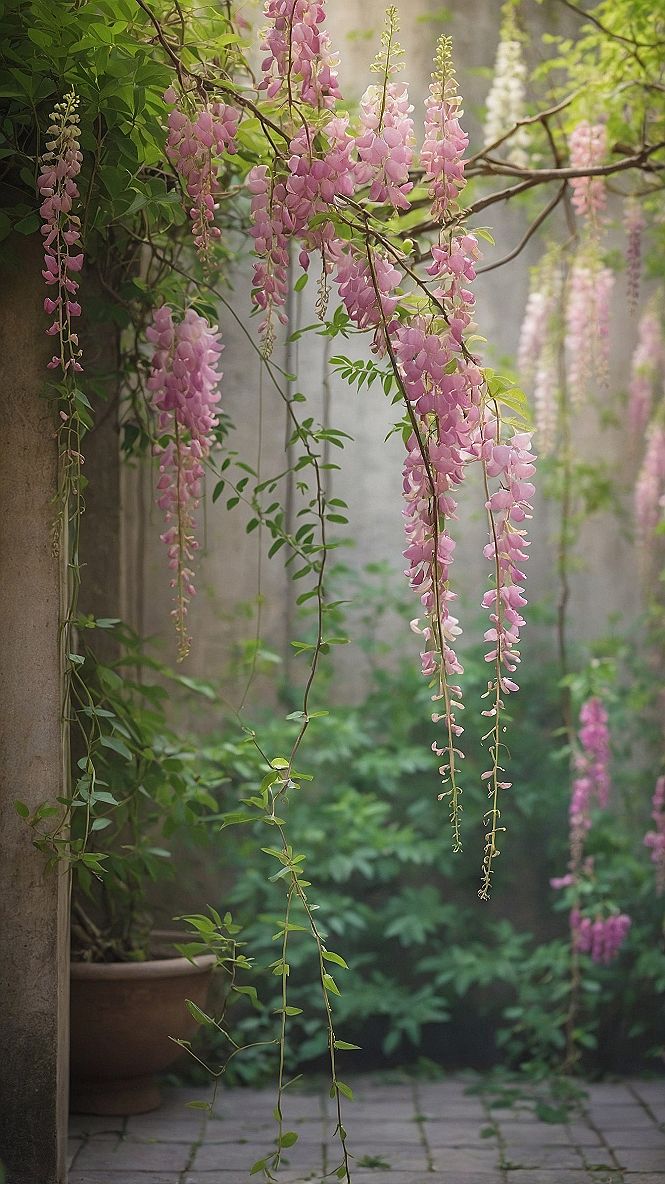
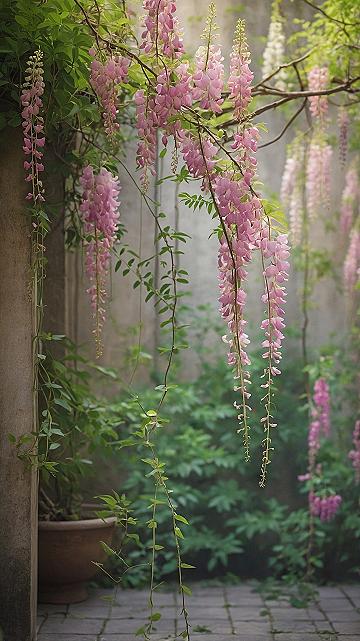
Hanging wisteria vines bring long, trailing clusters of pink flowers to your phone screen. This design creates natural vertical lines that fit neatly along the edges of your display. The soft colors add a calm touch without making your app icons hard to read throughout the day.
When setting up this wallpaper, try positioning the drooping branches near the top of your screen so they cascade down past your clock widget. If your phone has a busy home screen, use a slight blur effect on the lower half to keep your app labels clearly visible and easy to tap.
#2 Adding Geometric Flower Patterns to Your Phone Screen
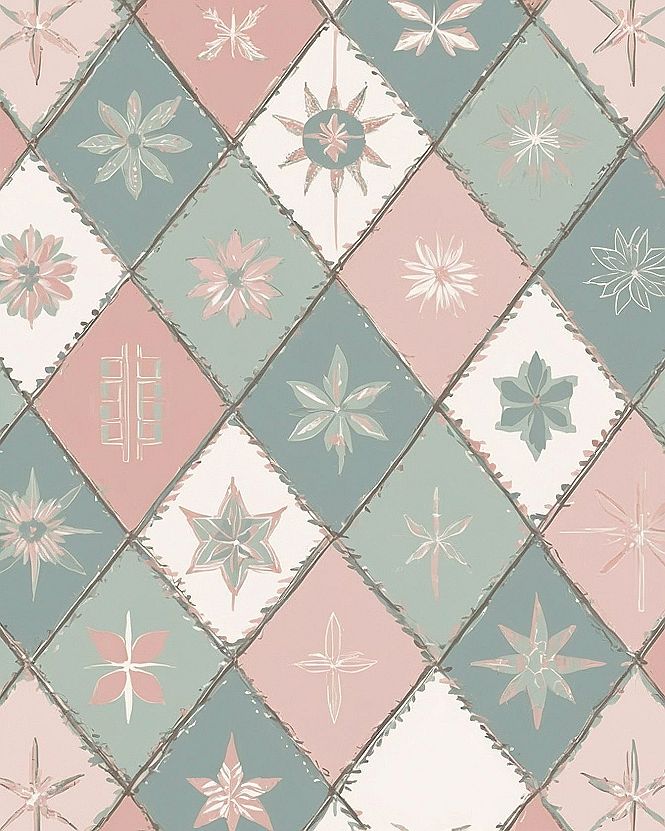
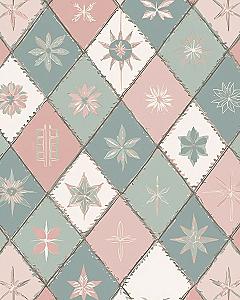
Geometric flower wallpaper brings a structured yet organic feel to your phone display. By combining clean diamond grids with soft floral motifs, this style creates a balanced background that keeps your app icons clearly visible. It works well because the repeating lines organize your screen while the floral details add a gentle, natural touch.
This design choice suits anyone who likes neat organization without sacrificing soft visual appeal. It functions well for daily phone use because the patterned layout prevents the screen from looking cluttered, helping you locate your apps quickly while enjoying a cheerful, well-balanced design every time you unlock your device.
#3 Choosing Winter Rose Wallpaper For Your Phone
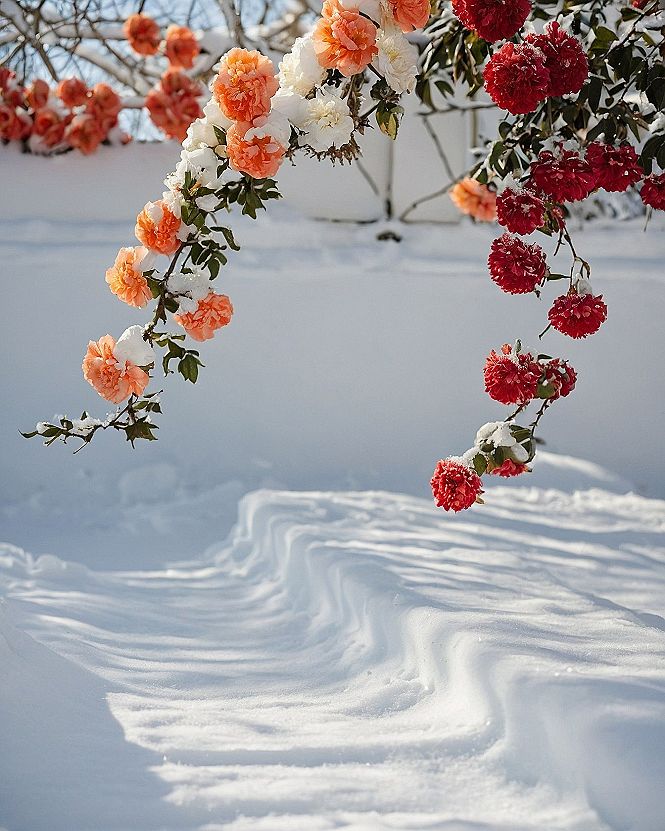
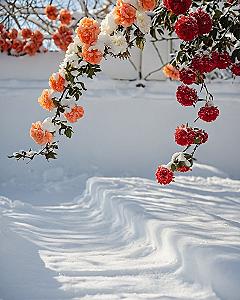
When you want a phone background that feels calm yet interesting, pick an image of winter roses covered in fresh snow. This style works well because the bright petals pop against the cold white background, making your app icons easy to read without straining your eyes.
To make this setup fit your phone, look for images that leave enough blank space at the top or bottom for your clock widgets. You can also adjust your screen brightness so the snowy tones do not glare when you check your phone at night.
Which style is calling your name?
#4 Styling Tropical Palm Leaf Wallpaper For Your Phone
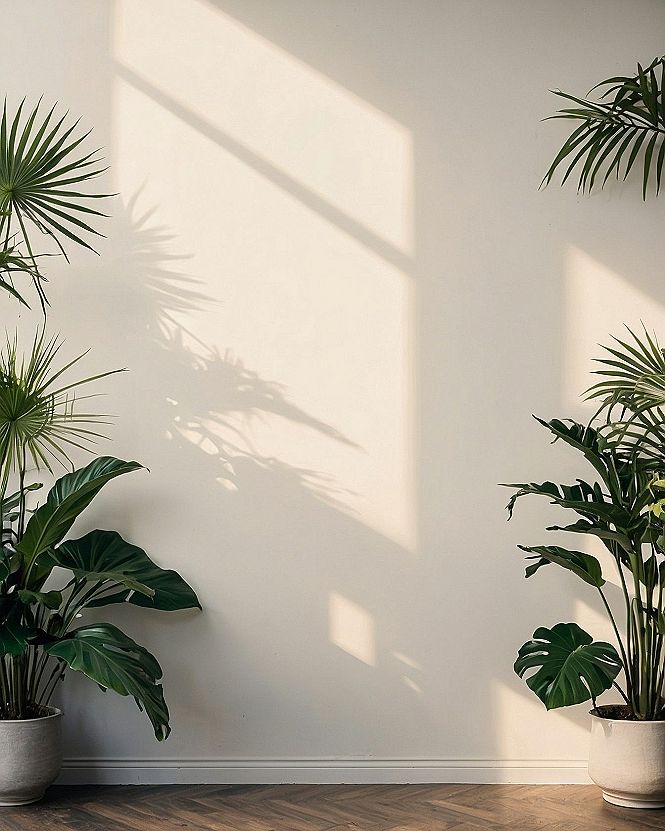
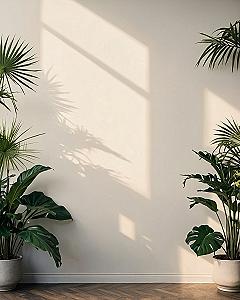
When you pick a tropical palm leaf image for your phone screen, turn off the depth effect in your settings. This simple adjustment keeps the entire botanical pattern visible without zooming in awkwardly when you unlock your device. A clean fit lets you see the full range of green tones and leaf shapes every time you check your phone.
To keep your home screen easy to read, try placing your main app icons over the simpler areas of the background. Darker leaf edges work well behind white text, while lighter patches of foliage suit darker icons. Keeping your apps organized this way lets the botanical design stay clear and prevents your screen from looking cluttered.
#5 Brightening Your Phone Screen With White Daisy Wallpaper
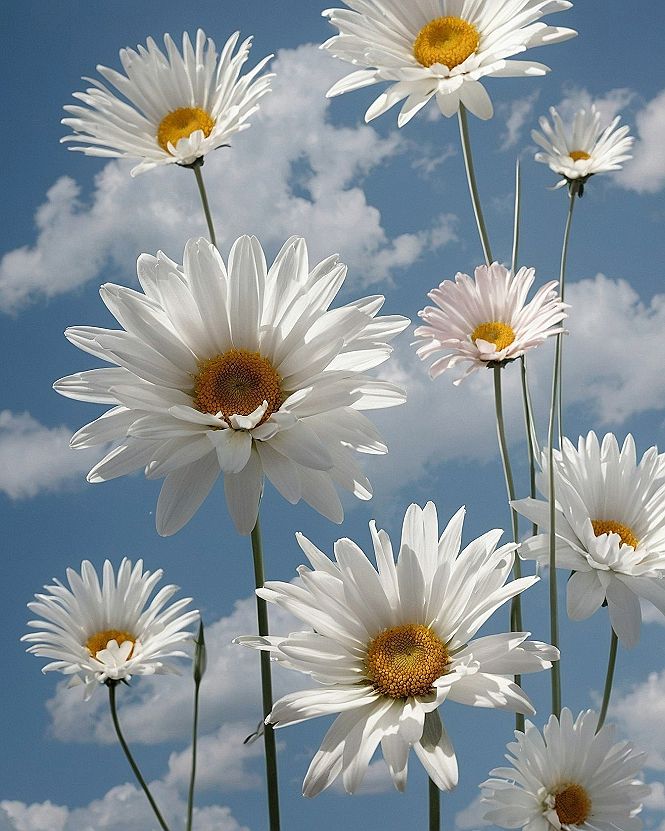
If you want a cheerful phone background, I recommend trying a classic white daisy wallpaper paired with a clear blue sky. This clean arrangement brings a sense of fresh air and sunshine to your daily routine, helping your icons stand out clearly without making the display feel too cluttered or busy.
If you prefer something a bit softer, you can always look for variations featuring a hazy morning filter or pastel tones instead of bright midday colors. These gentle alternatives create a calm, understated mood that is easy on the eyes during evening scrolling sessions.
What's Your Style Personality?
Tap the look that speaks to you most:
Leave a Comment