Curating a Dark Academia Desktop Wallpaper Guide for Atmospheric Screens
You can easily turn your computer screen into a moody literary sanctuary by setting up a dark academia desktop wallpaper. Finding the right balance of rich tones and historical charm sets the exact mood you want for daily productivity.
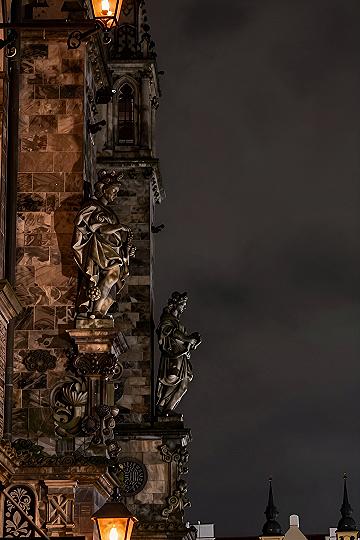


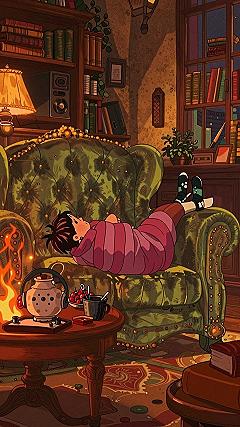
Layering deep wood tones, historic architecture, and soft amber lighting helps anchor the entire look. This classic approach creates a cozy, intellectual vibe that feels both grounded and deeply inspiring.
Many people make the mistake of choosing images that are far too dark, making icons and folders impossible to locate. Balancing deep shadows with a few bright focal points keeps your display practical while maintaining that signature mood.
Looking at various photographic styles and artistic compositions makes these choices much easier to compare before you download. You will quickly see which contrast levels and textures suit your personal workflow best.
Let us look at the wide overview setup first to see how these atmospheric elements come together.
#1 Choosing Gothic Architecture Wallpapers for Your Screen
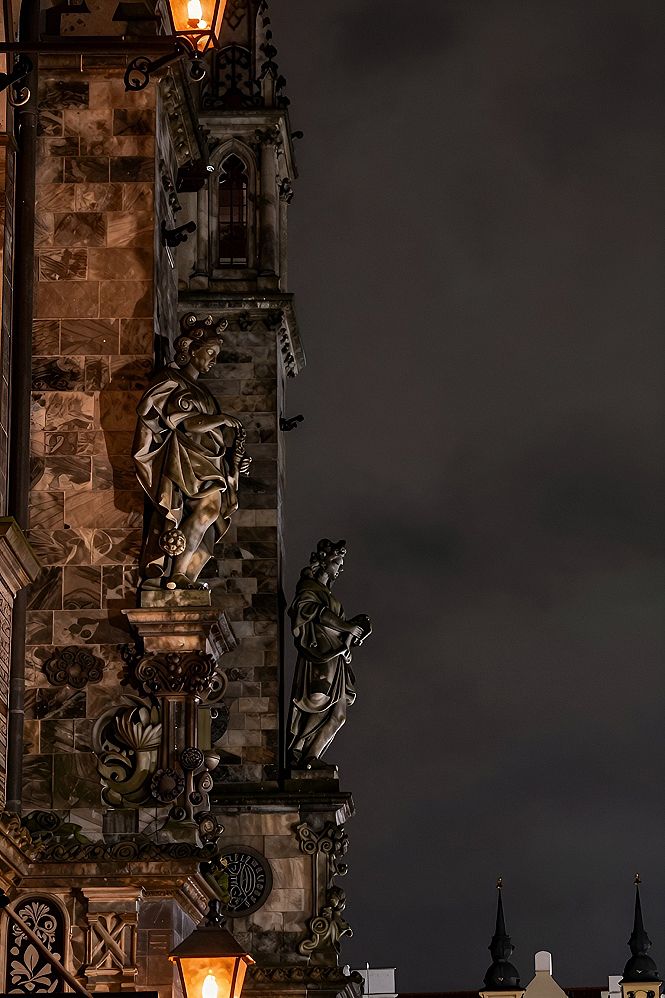
Gothic architecture wallpapers bring heavy stone details and old-world buildings right to your computer screen. This style relies on moody shadows, historic carvings, and dramatic stonework to create a serious, thoughtful workspace. It helps set a calm, scholarly mood whenever you sit down to read, write, or work.
When picking a Gothic-style background, pay attention to where your desktop icons sit. Look for images with darker, plain areas on one side so your file folders stay easy to read. A busy background can make your screen look cluttered, so choosing a cleaner architectural crop keeps things functional.
#2 Adding Industrial Steampunk Cat Artwork to Your Desktop

Blending mechanical elements with classic dark academia creates a surprising and engaging desktop wallpaper choice. Industrial motifs add an edge of invention and machinery to your screen. This approach works because it balances old scholarly themes with complex gear designs, keeping your digital workspace interesting without feeling too cluttered.
This style suits students and writers who enjoy speculative fiction and mechanical design. You can expect a more creative daily workflow when your monitor features unusual machinery mixed with traditional artistic themes. It keeps your desktop background engaging while you tackle long research projects or creative writing sessions.
#3 Selecting Cozy Library Nook Wallpapers for Relaxing Study Sessions
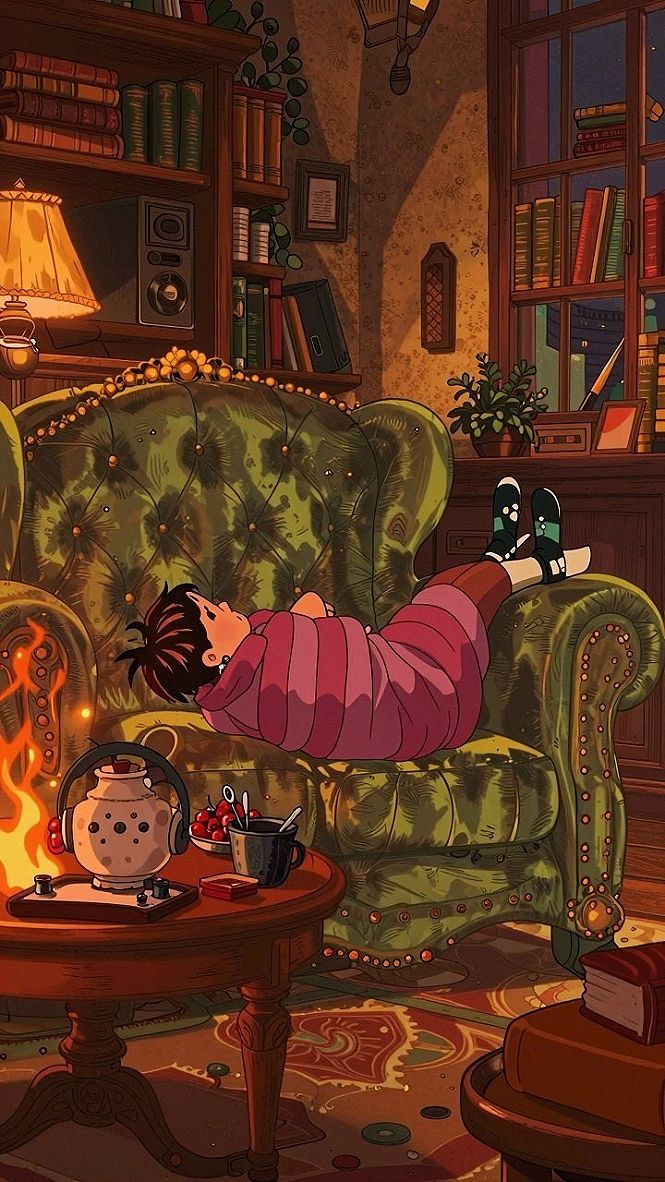
When you want to create a calm study vibe, pick a wallpaper that shows a warm library chair or a quiet reading corner. Look for soft lighting and plenty of books to help you focus during long work hours. You want your screen to feel like a safe retreat when you sit down to write.
If your desktop gets cluttered with lots of icons, choose a background with an open desk or a large chair placed off to one side. This leaves plenty of clear space for your folders. You can also adjust your computer display settings to hide file names so the artwork stays clean and easy to view.
Which style is calling your name?
#4 Setting Up Moody Nocturnal Train Journey Wallpapers
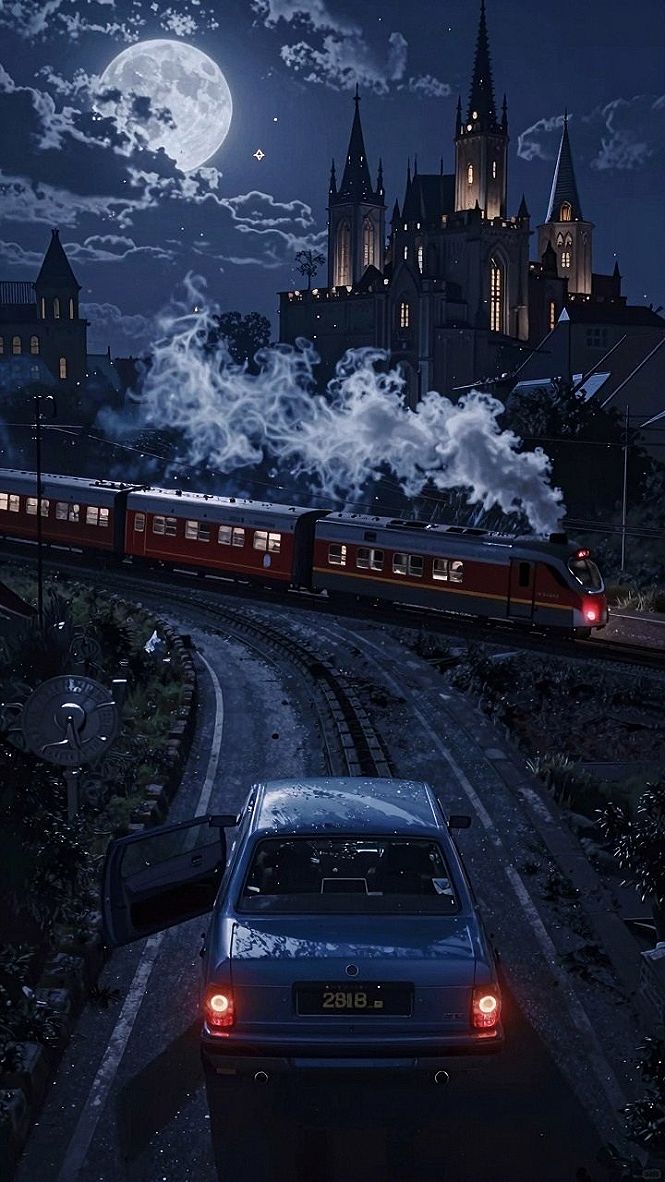
When you pick a moody nighttime train scene for your display, keep file resolution in mind. Large, high-definition image files prevent pixelation on modern monitors. A crisp background lets the subtle details of moving smoke and distant glowing windows remain sharp, creating a clean look that does not strain your eyes during late-night study or work sessions.
To keep your desktop organized over busy background art, shift your system folders and app shortcuts toward one side of the monitor. Placing shortcuts away from the central focal point helps you find files quickly without covering the main scenery. You can also lower your computer’s icon grid size to give the moody atmosphere plenty of room to breathe.
#5 Incorporating Vintage Mechanical Gadgets and Blueprint Designs

I suggest trying a wallpaper featuring old mechanical tools and blueprints if you want a workspace that feels like a scholar’s workshop. These designs bring a sense of historical innovation to your monitor without making the screen too cluttered.
If blueprints feel too technical, try swapping them out for simpler sketches of vintage pocket watches or brass compasses. This keeps the scholarly vibe alive while letting you choose the exact level of detail you prefer for your daily tasks.
What's Your Style Personality?
Tap the look that speaks to you most:
Leave a Comment