Moody Dark Academia 4K Phone Backgrounds for Atmospheric Lock Screens
When you want to give your daily device a moody touch, changing your lock screen makes a big difference. Dark academia 4K phone backgrounds bring a rich, mysterious mood right to your hands every time you check the time.
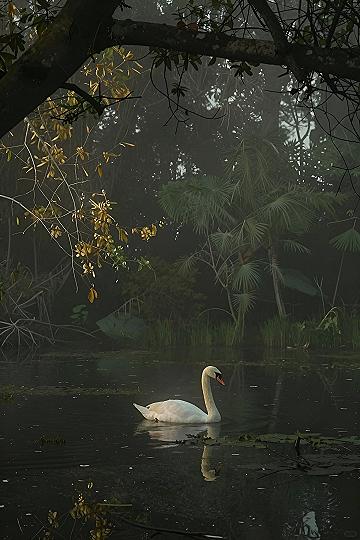

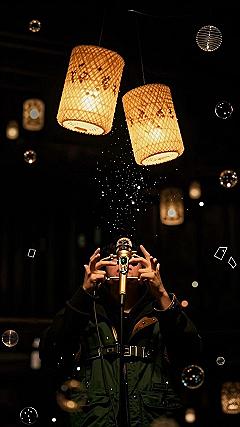
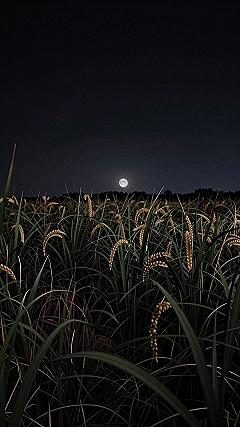
The main benefit of these high-resolution images is how they completely change the feel of your screen without needing any extra apps. Deep greens and soft shadows create a calm background that keeps your app icons easy to see.
Selecting the right picture changes how well your notifications stand out against the artwork. Choosing a balanced mix of dark tones and soft light keeps your screen looking tidy while keeping that vintage library feel.
These versatile designs can easily fit different screen sizes and personal preferences. Whether you prefer a dense forest scene or a misty water view, you can find a layout that matches your daily style.
A great place to start is with a glowing forest pond setup that sets a peaceful tone for your device.
#1 Setting Up Misty Waterscapes for Your Phone Background
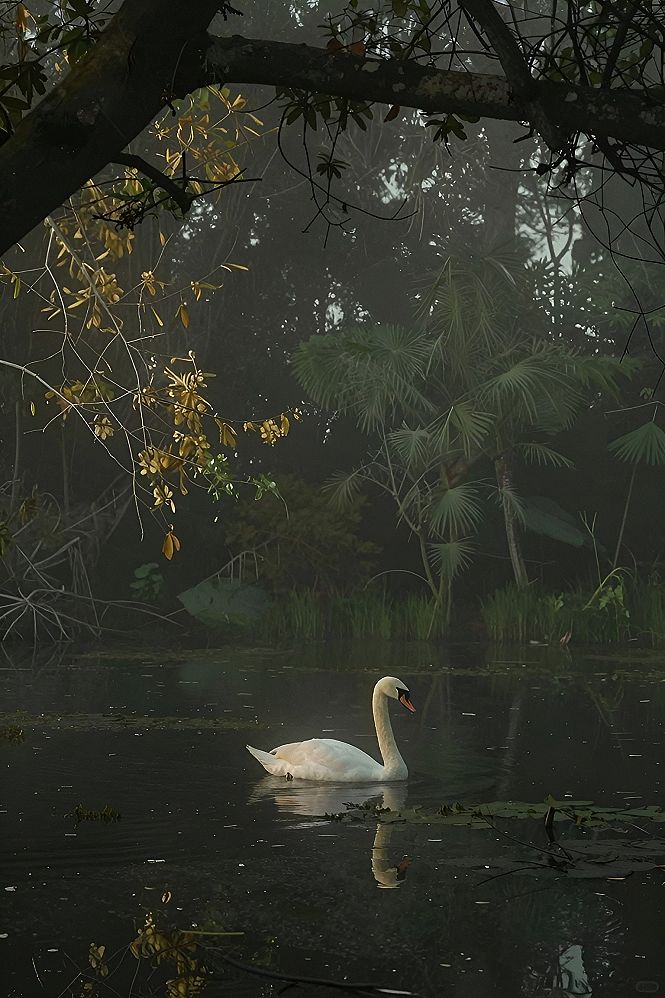
A foggy lake scene featuring a white swan brings a quiet, intellectual mood to a smartphone screen. This style relies on muted tones and deep shadows to create a calm atmosphere every time you check your notifications. The high resolution ensures that fine details remain sharp on modern mobile displays without straining your eyes.
When applying a dark landscape to your home screen, check how app icons sit over the darker areas. Choose a 4K file that keeps the central subject clear so your clock and widgets do not block important visual elements. Adjusting your phone brightness down slightly can also help maintain the moody aesthetic throughout the day.
#2 Choosing Feather-Textured Owl Lock Screens

Feather-focused designs succeed on phone displays because intricate textures add depth without crowding your app icons. A soft, layered arrangement creates a muted backdrop that keeps your clock and notifications readable. This approach brings natural warmth to a dark aesthetic, avoiding harsh contrast while keeping the screen visually interesting.
Such backgrounds suit readers who prefer subtle patterns over stark graphics. They work well during study sessions or evening routines by reducing screen glare. You can expect a calmer display that blends academic charm with comforting wildlife elements, making your phone feel like a curated vintage notebook.
#3 Selecting Moonlit Wheat Fields for Your Phone Background
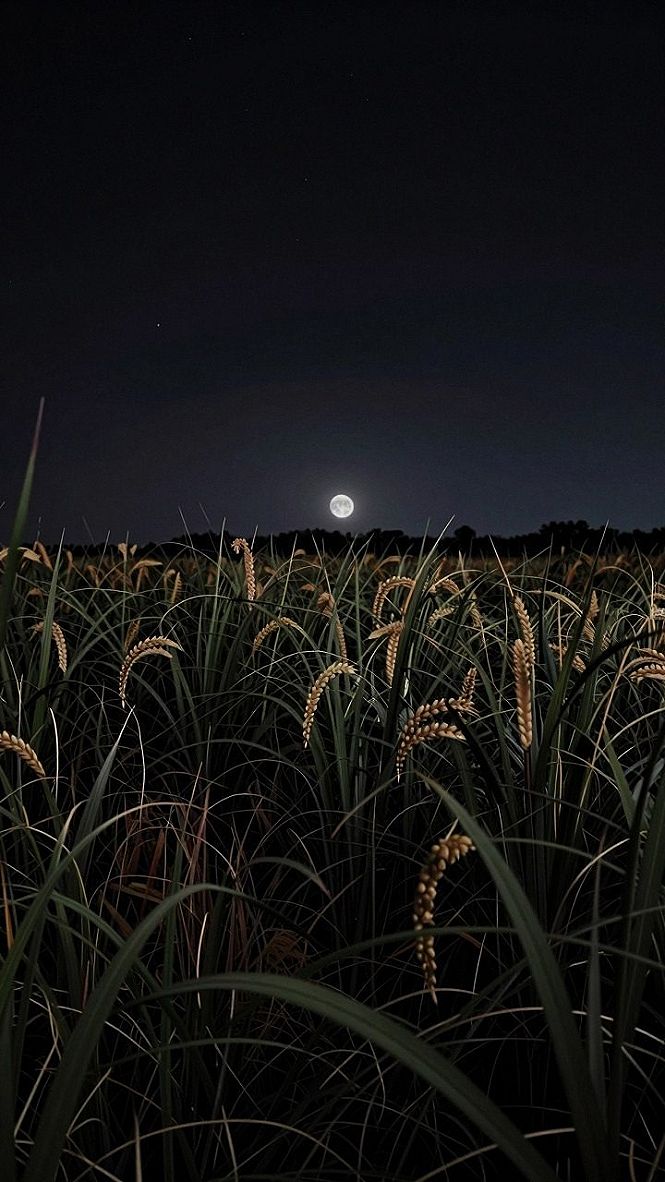
When picking a night wheat field wallpaper, look for high-contrast images where the moon stands out against a deep, dark sky. This ensures your phone clock and app icons remain easy to read without straining your eyes.
You can easily adapt this theme to fit your personal style by adjusting your phone screen brightness or adding a dark filter overlay. If the grain stalks look too bright, simply use your device settings to tone down the highlights for a moodier look.
Which style is calling your name?
#4 Using Vintage Microphone Wallpapers for Phone Screens
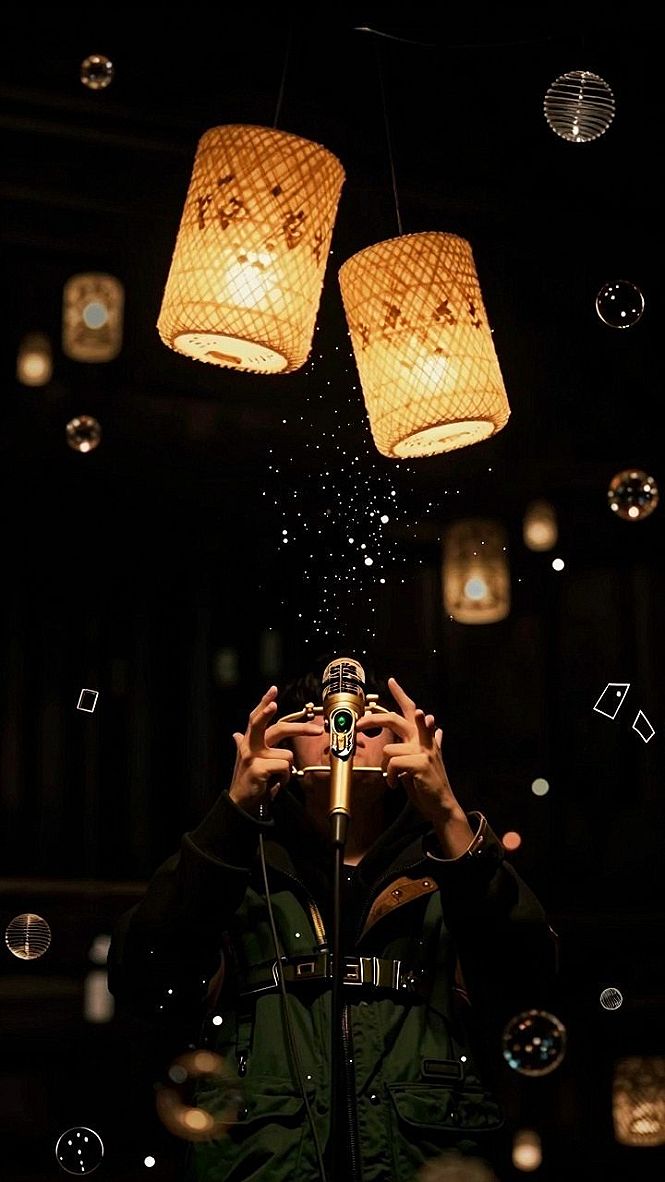
When downloading a high-resolution wallpaper featuring a vintage microphone, make sure to check your phone screen’s aspect ratio. Cropping the image correctly ensures the main subject stays centered on your lock screen without getting cut off by clock widgets or notification banners.
To keep your display easy to read day-to-day, match your phone theme settings to the dark tones of the background. Reducing app icon clutter also helps the intricate details of the microphone design stand out clearly every time you check your phone.
#5 Adding Moody Sunflower Fields to Your Phone Background
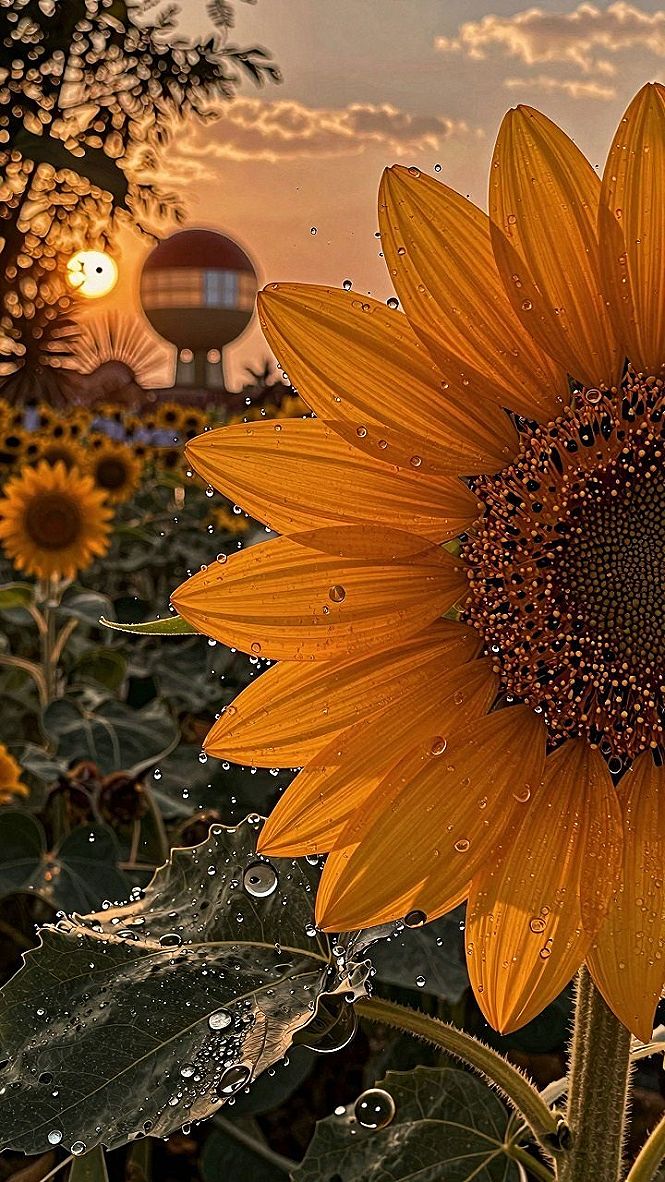
If you want a lock screen that feels both grounded and moody, I really suggest trying a dark sunflower theme. The rich yellow tones stand out nicely against darker academic backgrounds without feeling too bright or distracting when you check your phone at night.
If full fields feel a bit crowded for your screen layout, try looking for macro shots that focus on a single blossom with morning dew. This gives you plenty of clear space for your clock widgets while keeping that cool, moody atmospheric vibe.
What's Your Style Personality?
Tap the look that speaks to you most:
Leave a Comment